Back when my first novel was published (Eye of the Wolf), I created a website using GoDaddy to promote it. That was over 10 years ago. Since then, the company almost tripled their prices and added an additional cost for a site security certificate. Figuring out how to add that certificate to my site was such a pain (Really bored? Read about that saga here) that I decided to quit GoDaddy before I had to do it again the next year. Besides, they were going to eventually do away with the ancient platform my site was built on, so I’d need to redo my website anyway.
Another drawback was that the GoDaddy platform was too old to integrate my WordPress blog into it. For a while, I had an RSS feed for my blog on my website, but that eventually stopped working. The only thing I could do was provide a weblink.
So, I decided the solution was to bring my website to my blog. Yes, this very WordPress blog! My New Year’s project was to figure out how to integrate them. Supposedly, you can just automatically move a GoDaddy site over to WordPress, but that seemed rather complicated. Other than for my photography pages, my site didn’t have a lot of content. I found it easier to just copy and paste the text from GoDaddy to WordPress.
The most difficult part was transferring my domain name (marieZwrites.com) over to WordPress. That took several phone calls to tech support and a few days of patience. (Patience = not my strong suit.) But it worked. Plus, the best thing is that WordPress doesn’t make customers pay extra for their site security certificate. It automatically comes with whatever package you sign up for. Yay!
My content about books was the most important because I had a short story collection coming out in February (The Path of Totality), so I needed a web presence to promote it. I put off working on my photography section until I retired from my day job and had more time.
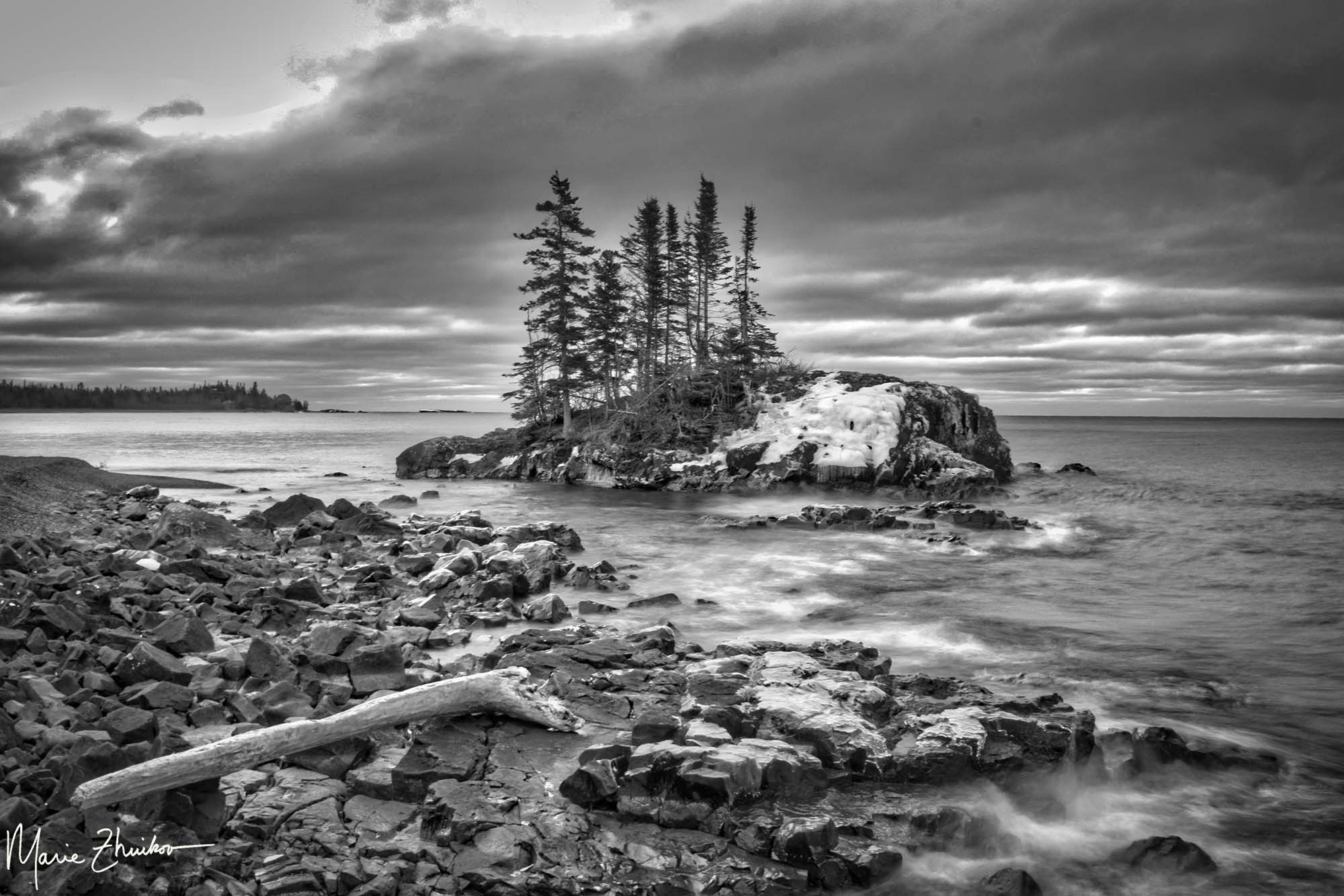
Well, that time was this past week. I’m proud to unveil my new photography pages! The landing page has links to my nature-themed collections and my artist statement. The subpages are organized in “Water,” “Wood,” “Stone,” and “Sky” categories, The Water one has the most content since I am a watery person. I have at least one show set up for this summer, so I thought I should get my photography web presence out there.
If you see a photo that you like, let me know via my Contact page and we’ll work something out. I can also make my photos into puzzles, which have been very popular, or I can put them on yoga mats, tote bags, shower curtains . . . almost anything.
The site’s only been live for a few days, but I’ve already decided to add two more categories: Lighthouses and Travel. Even if that additional file space ends up costing me more through WordPress, it will still be cheaper than my GoDaddy site was. A win-win all around.
 Marie's Meanderings
The photo is just breathtaking!!!
I moved my site from Google/ENOM over to wordpress, SO much easier!!!
Thank you, Pamela. Yes, I’m so glad I made the move. I’ll check out your site.
Wow, that sounded like a lot of fun . . . um, I mean work. 😊😊
Yes, a lot of work! Thankfully, not too many roadblocks.
Persistence pays off in the end.
I think that having a WP author site was the easiest and most cost-effective solution. I did make it separate, since my blog has a weird name, but there are links between them. I think I must have looked at your photography pages on your GoDaddy site, as it looks familiar.
Thanks for looking at my photos, Eilene. You’re right, many photos are the same as before, but I’ve added some new ones, plus a SKY category. Plus, many have been featured on my blog.
I’m glad your experience migrating over worked out so well!
Also, where was that stunning photo taken?
Thanks for asking. I took the photo on the North Shore of Lake Superior.